mirror of
https://gitee.com/ulthon/layui-ul.git
synced 2026-07-01 10:32:49 +08:00

124 lines
3.2 KiB
Markdown
124 lines
3.2 KiB
Markdown
# layui-ul
|
||
|
||
### 介绍
|
||
ULUI 是一个基于纯 CSS 和 HTML 的轻量级样式库。它不依赖任何前端框架,可以轻松集成到任何 Web 项目中,提供一套简洁、一致的 UI 组件和视觉风格。
|
||
|
||
|
||
### 主要用处
|
||
|
||
- 实现原始的样式组件库(而不是vue/angular之类的组件主题)
|
||
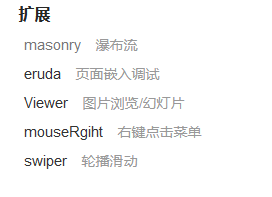
- 收藏主流的JS插件
|
||
- 使用了部分layui的样式,但是大部分组件不依赖layui.
|
||
- 依赖layui的部分也很容易替换掉(使用layui的按钮/颜色之类样式).
|
||
- 不限制开发终端,只要支持css的都可以使用(vue,angular,uni,小程序都可以)
|
||
|
||
### 使用说明
|
||
|
||
只需要引入文件即可:
|
||
```
|
||
//layui.ulthon.com/cdn/layui-ul.css
|
||
|
||
比如:
|
||
<link rel="stylesheet" href="//layui.ulthon.com/cdn/layui-ul.css">
|
||
```
|
||
> 最近刚刚做了一个vue+elementui的项目,使用了这个样式库,没有任何不适
|
||
|
||
全部文档网站 http://layui.ulthon.com/
|
||
|
||
### 整体设计原则
|
||
|
||
- **简约现代风格**:保持简洁、清晰的视觉层次
|
||
- **卡片化设计**:大部分组件采用卡片容器,提供良好的内容分组
|
||
- **一致的间距系统**:使用统一的padding/margin规范
|
||
- **柔和的圆角**:4-8px的圆角,营造友好感
|
||
- **微妙的阴影**:轻量级阴影增强层次感
|
||
|
||
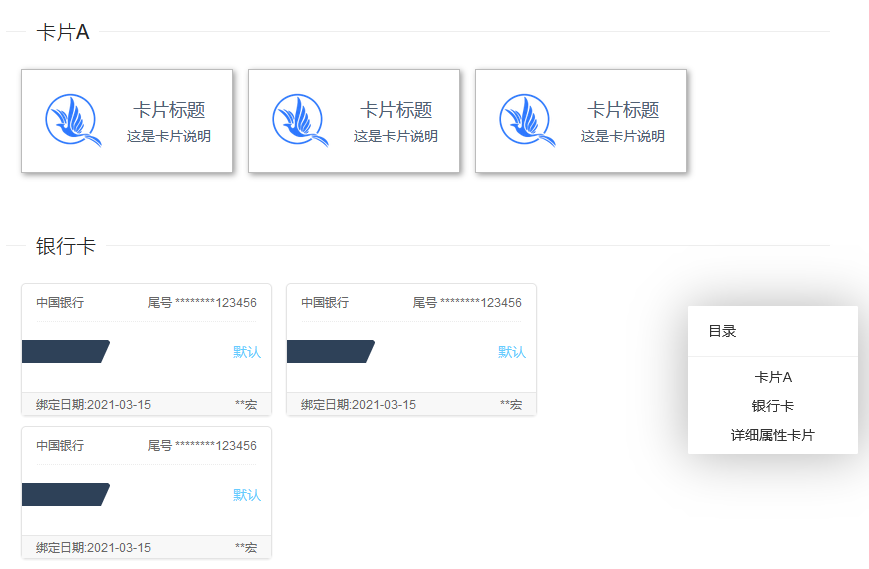
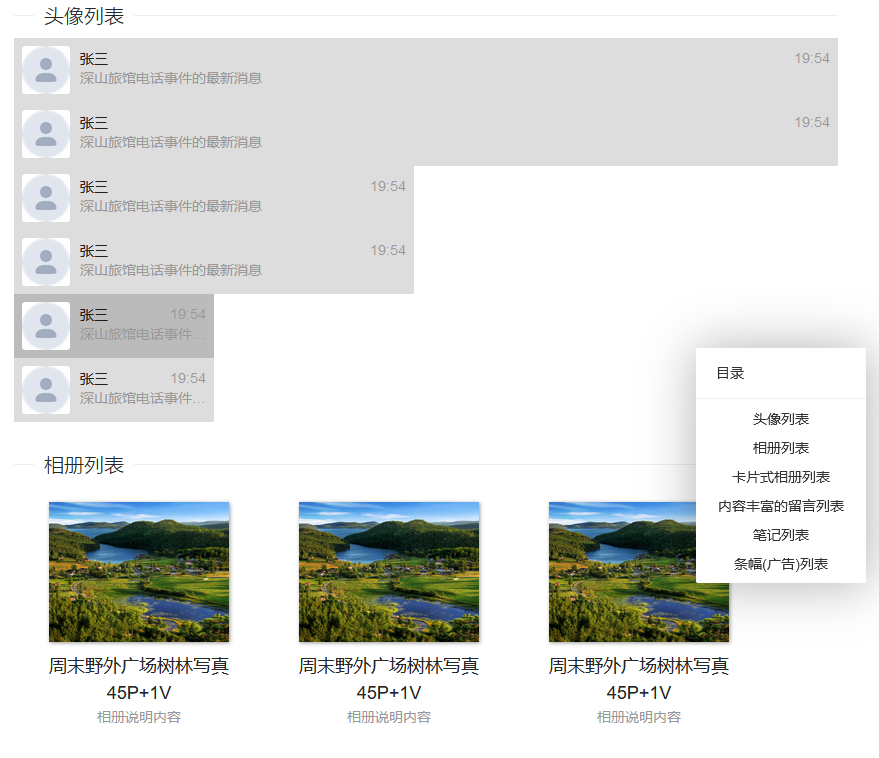
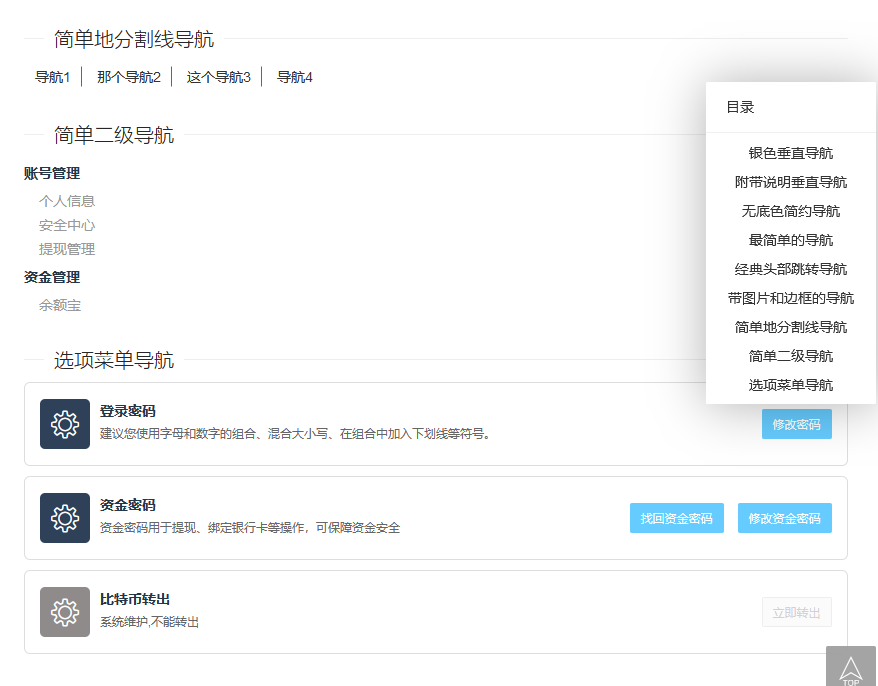
### 部分组件展示
|
||
|
||
|
||
|
||
|
||

|
||
|
||
### 收藏组件
|
||
|
||
|
||
|
||
### 开发说明
|
||
|
||
本站是一个基于ulthon_admin的官网项目,有关样式的代码在`source/scss`目录下.
|
||
|
||
关于样式组件,目前开始使用`scss`重构开发.
|
||
|
||
推荐使用vscode开发,安装`Live Sass Compiler`扩展并启用以下配置:
|
||
在项目目录下创建配置文件`.vscode/settings.json`;
|
||
```
|
||
{
|
||
"liveSassCompile.settings.formats": [
|
||
{
|
||
"format": "compressed",
|
||
"extensionName": ".min.css",
|
||
"savePath": "/public/cdn/"
|
||
},
|
||
{
|
||
"format": "expanded",
|
||
"extensionName": ".css",
|
||
"savePath": "/public/cdn/"
|
||
},
|
||
],
|
||
"liveSassCompile.settings.generateMap": false
|
||
}
|
||
```
|
||
|
||
#### 运行站点
|
||
|
||
本站是基于ulthon_admin开发的,它是ThinkPHP6的项目,你需要掌握相关基础才行.实际上是一个CMS站点.
|
||
|
||
> 如果你只希望修改组件样式的话,只关注`source/scss`目录下的文件就可以了
|
||
|
||
```
|
||
git clone https://gitee.com/ulthon/layui-ul.git
|
||
|
||
cd layui-ul
|
||
|
||
composer install
|
||
|
||
php think migrate:run
|
||
|
||
php think seed:run
|
||
|
||
php think run
|
||
|
||
```
|
||
此时可以访问:127.0.0.1:8000
|
||
|
||
|
||
|
||
### 参与贡献
|
||
|
||
1. 在issue提交你想要的样式截图,过段时间没准就有了
|
||
|
||
### 创建组件命令
|
||
|
||
新版本的组件支持独立的文件,更好的浏览体验,可以快捷单独复制每个文件,可以通过命令生成:
|
||
|
||
```
|
||
php think make:component tpl_name component_name component_title
|
||
```
|
||
|
||
比如:
|
||
|
||
```
|
||
php think make:component list ul-user-list 用户列表
|
||
```
|
||
|
||

|
||
|
||
新的组件代码结构:
|
||
```
|
||
ul-music-list
|
||
├─ _index.env
|
||
├─ _index.html
|
||
├─ _index.md
|
||
└─ _index.scss
|
||
``` |